

Magic 2S responds exactly to our business needs, it is easy to use and has never had any problems.
The value of a machine is also measured by the quality of the support that accompanies it
PCube Technical Support
Why buying a machine is just the beginning
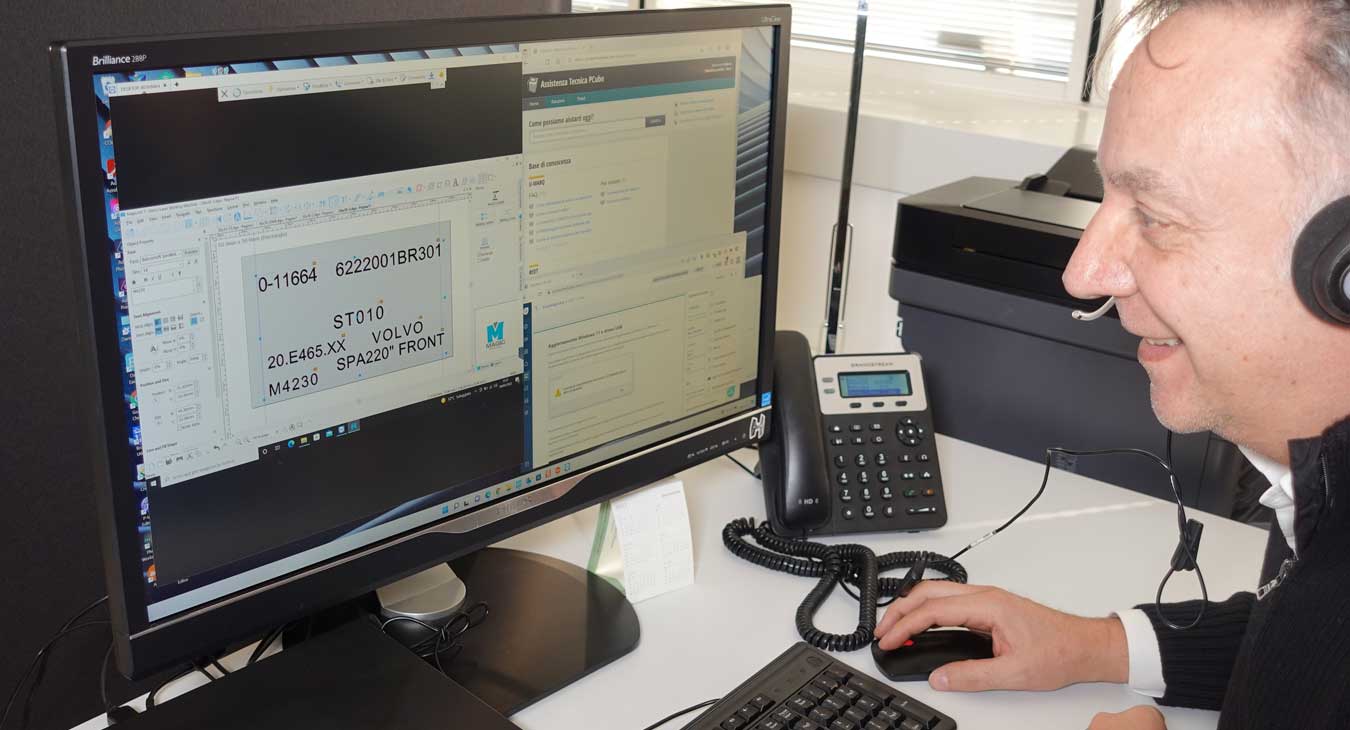
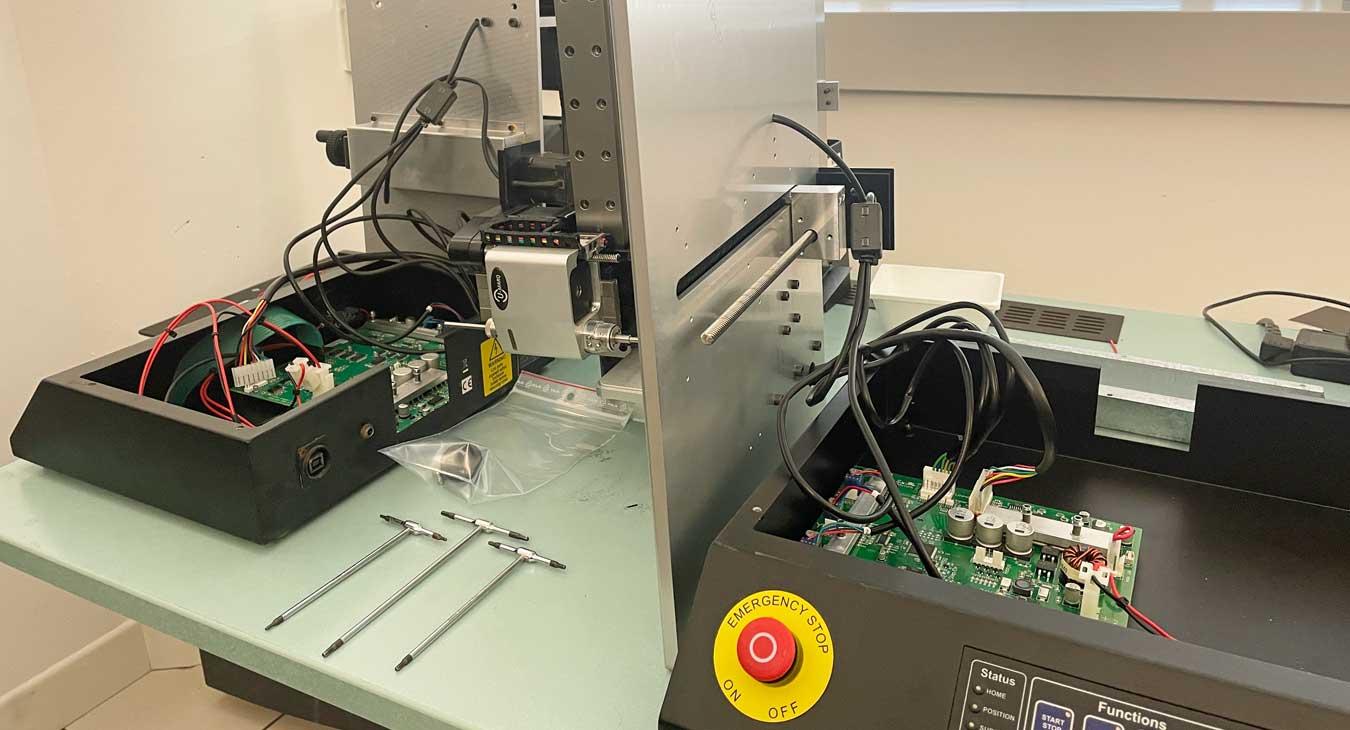
When you buy from PCube, you can count on technicians who know your machine, the software, and the applications it was designed for.
Our goal is to help you work efficiently, reduce downtime, and get the most out of your investment.
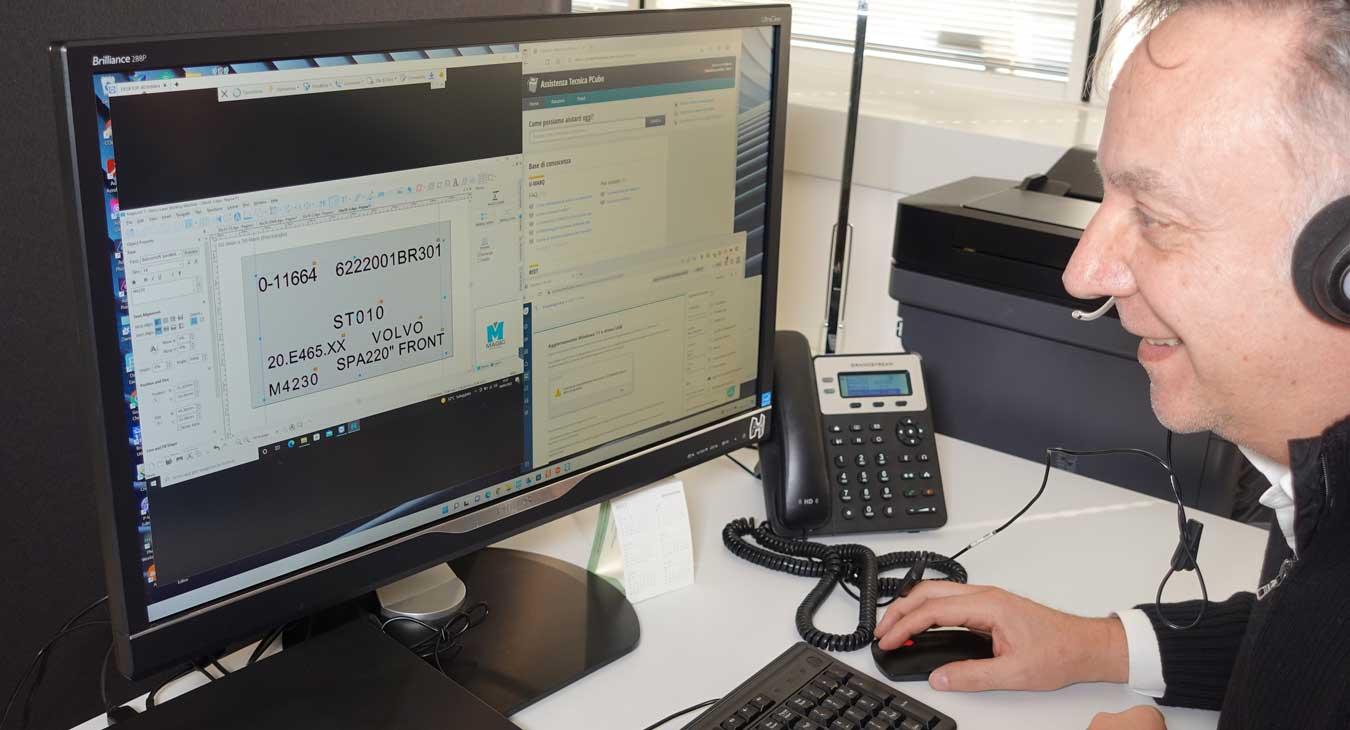
Unlike those who simply sell you a machine, PCube offers you a technical support point capable of supporting you throughout the entire life cycle of your system.
How does support work?
Each request is evaluated by our technical team to determine whether the issue is covered under warranty or requires diagnosis and support.
If the issue falls within the warranty conditions applicable to the product, the service is handled without a ticket charge.
For software configurations, IT issues, training, application consulting, process optimization, or out-of-warranty products, support is handled via a Diagnosis and Technical Support Ticket.
The Diagnosis and Technical Support Ticket is a fixed-fee service that includes processing the request, problem analysis, technical diagnosis, and, where possible, provision of a solution. If additional services, spare parts, or additional work are required, a separate quote will be provided before proceeding.
Free Resources
We provide technical documentation, drivers, software, FAQs, video guides, and other useful content to help customers use the system correctly and resolve common issues on their own.
To stay up-to-date on new FAQs, software updates, operating tips, and available services, you can subscribe to the PCube Technical Newsletter for free.
From request to solution
Here are the 4 simple steps our team takes to process your request, analyze the problem, and identify the most appropriate solution.
1. Submit your request
Send an email to [email protected] describing the problem in as much detail as possible and using a clear subject line that relates to the issue.
Photos, screenshots, and videos can significantly reduce diagnosis times.
2. Verification and acceptance
A PCube technician will evaluate your request. If the problem is covered under warranty, the service will be handled according to the applicable conditions. For requests not covered under warranty, a Diagnosis and Technical Support Ticket may be requested.
3. Diagnosis
The necessary checks will be performed to identify the cause of the problem and the most appropriate solution.
4. Solution or quotation
When possible, the problem will be resolved directly during the diagnosis. If the solution requires additional work, spare parts, or services at PCube or the customer's premises, you will receive a quotation before proceeding.
Need ongoing support?
PCube Advanced Support
PCube Advanced Support is designed for companies seeking priority support, including diagnostics, telephone support, confidential FAQs, and dedicated training content.
Discover PCube Advanced Support page