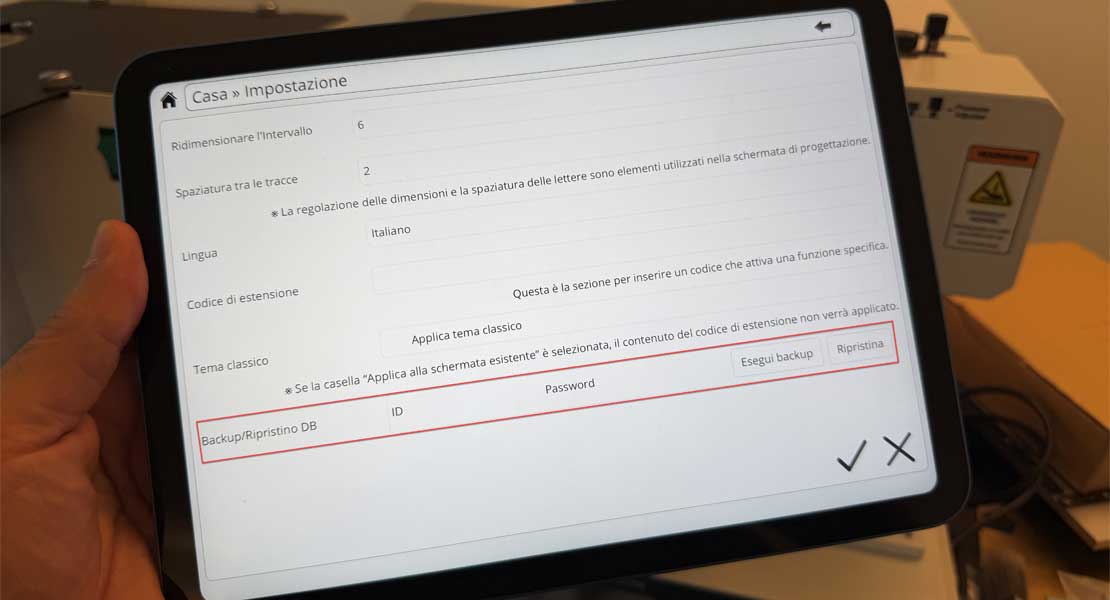
- English
- Italian
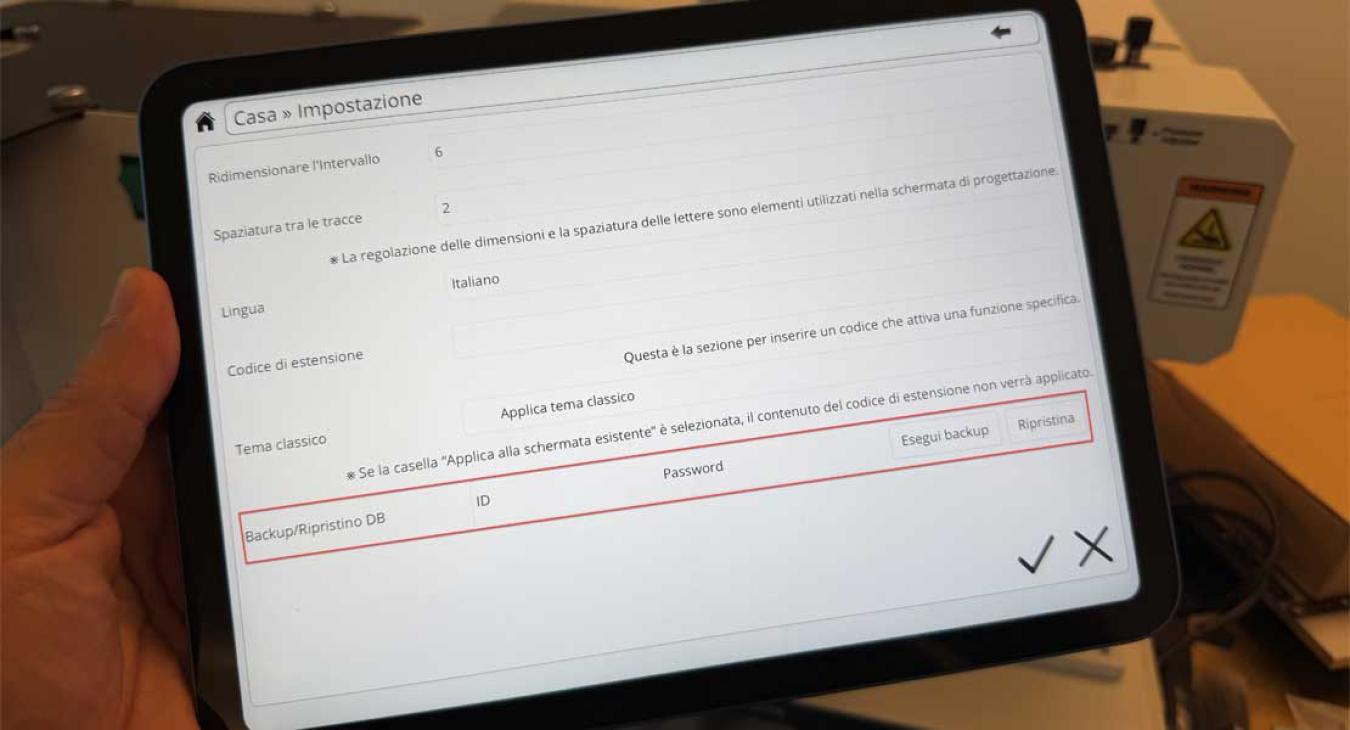
With the MagicTablet 6.6.5 update, we introduce a long‑requested feature for structured retail environments:
full data backup and restore via cloud.
This update is designed to simplify daily operations and ensure continuity, especially for brands managing multiple stores.
MagicTablet now allows you to securely back up and restore all key user data through our cloud server, including:
All data can be restored quickly in case of tablet replacement, reconfiguration, or deployment in a new store.
This feature is particularly valuable for jewelry brands and chain stores, where consistency, speed, and reliability are critical.
Key benefits:
Whether managing a small network or a large international chain, MagicTablet 6.6.7 helps maintain standardized operations and control across all devices.
⚠️ Backup and restore operations are linked to the User ID and Password used.
If multiple tablets share the same credentials, backups may be overwritten.
For this reason, PCube strongly recommends assigning unique credentials to each store or deployment, especially in multi‑store environments.
This ensures data integrity and avoids accidental data replacement.